

· Philippe Daix · How It Works
Worklogs – Time Tracking
Break free from project management complexity with optional time tracking capabilities on any pinned task.
Break free from project management complexity with optional time tracking capabilities on any pinned task.

Each folder features a collaborative wiki page with Markdown support for specifications, roadmaps, journals, and brainstorming.
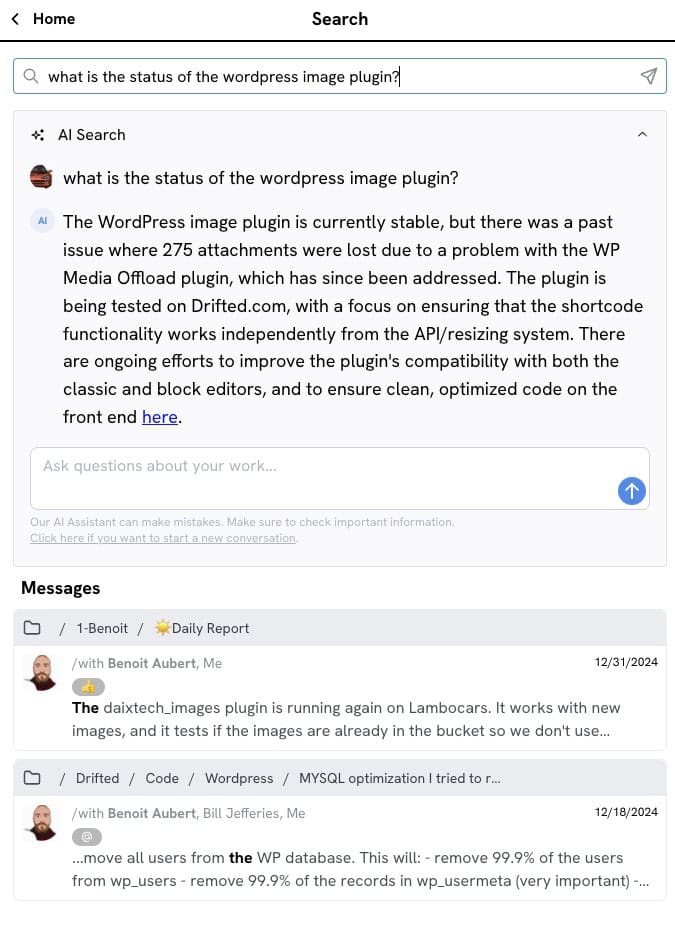
Finding older messages is not always easy, but Worklogs offers a few tools that will help.
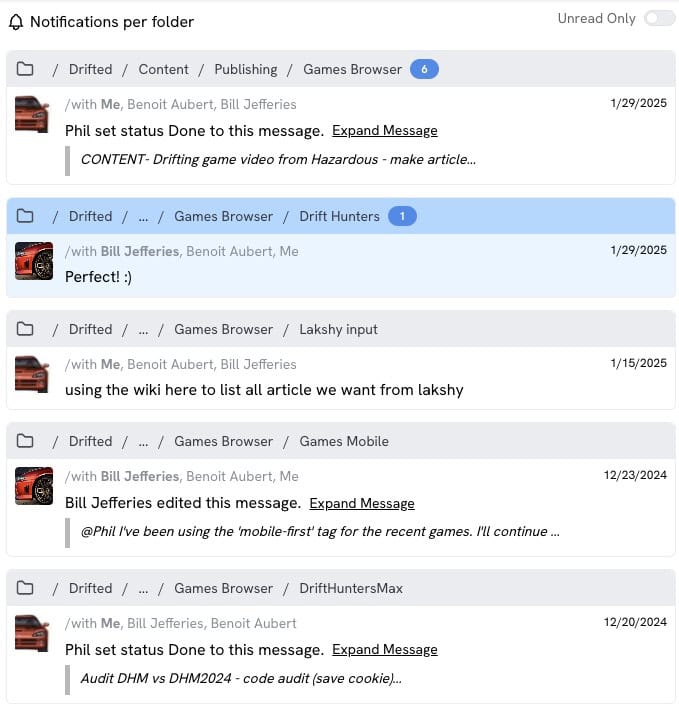
Maintaining your projects is the key factor of success. The Latest Updates page helps you stay on top of everything.
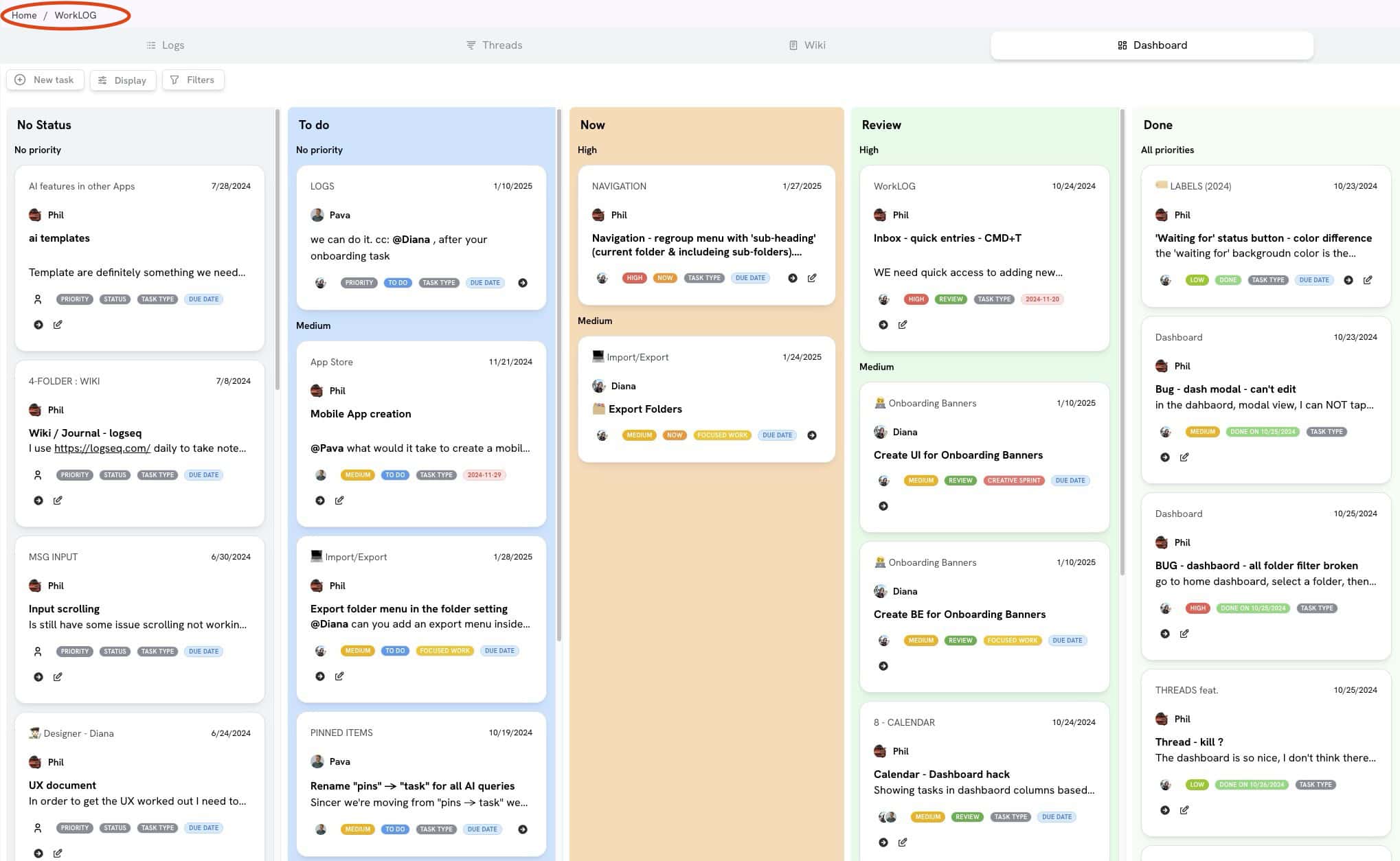
One click can turn any message into a task that may be delegated, assigned, or retained privately.
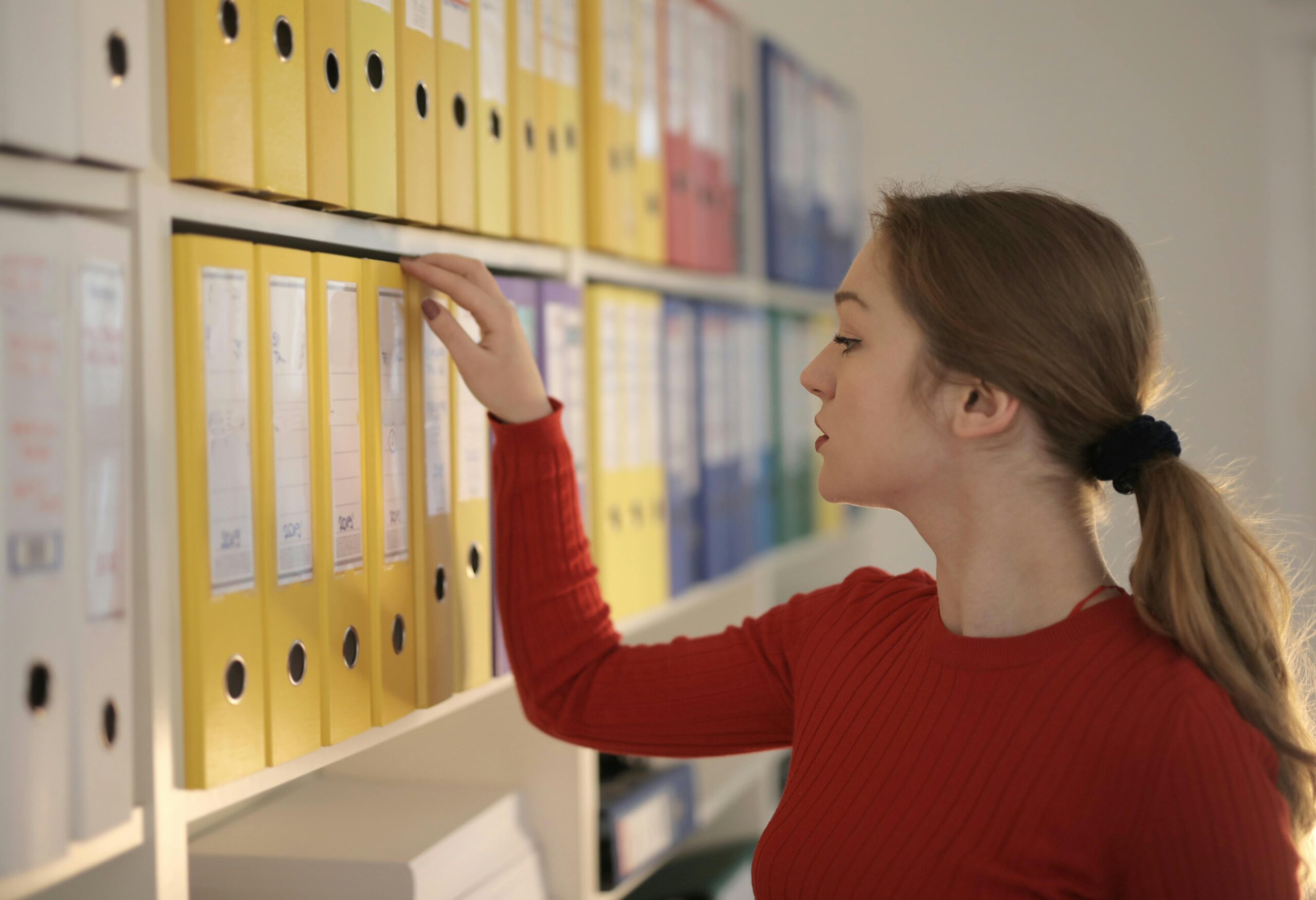
Organize your conversations into folders while controlling permissions on individual user bases.