· Philippe Daix · How It Works · 1 min read
Worklogs – Threaded Conversations
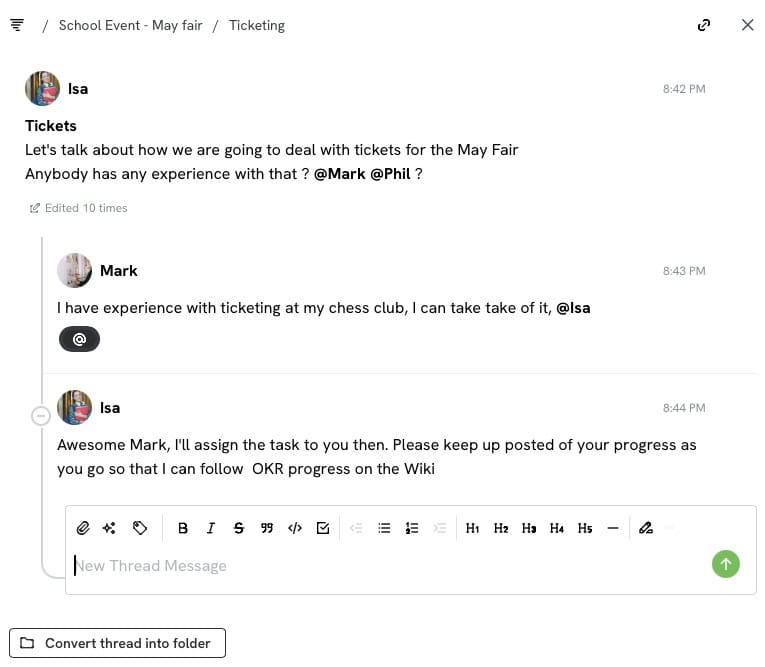
A thread functions as a message replying to another, creating linked conversations rather than standalone messages in general chat.
Worklogs is a basic chat app featuring a few powerful features to organize, delegate, and supervise work messages into useful conversations.
What are Threads?
A thread functions as a message replying to another, creating linked conversations rather than standalone messages in general chat.
Why Use Threads?
The primary advantage involves managing asynchronous communication where multiple messages arrive before responses occur. Threading prevents confusion about which message receives a reply and helps establish complete discussion context, particularly valuable for lengthy or historical conversations spanning months or years.
Thread Management
Threads can complicate message tracking since updates appear throughout nested conversations, not just at the bottom. Worklogs addresses this through:
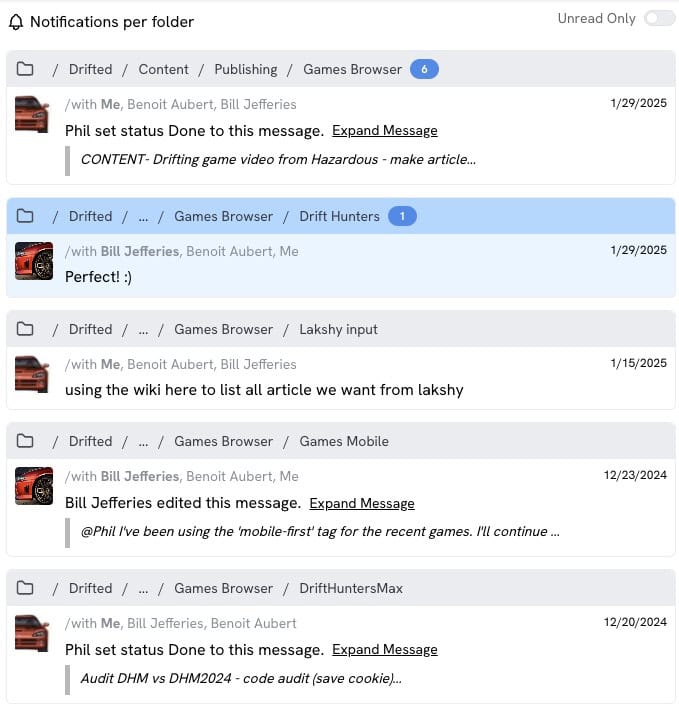
- Latest Updates page – Displays recent messages grouped by folder
- Folder highlighting – Blue dots indicate new messages
- Thread sorting options – Sort by creation date or latest activity
Converting Threads to Folders
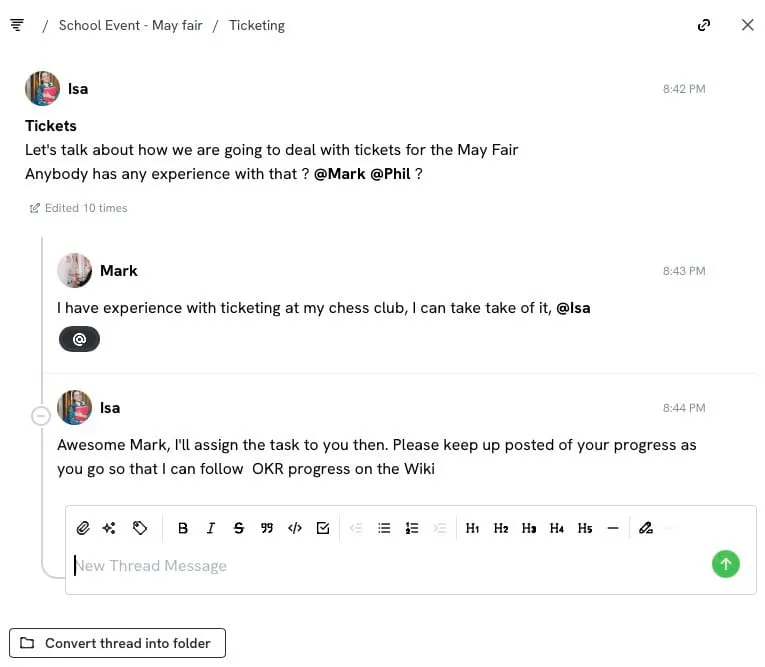
When threads gain significant importance, users can convert them to folders by selecting “convert to folder” at the thread bottom, enabling greater organizational flexibility.
This allows your project structure to evolve naturally as conversations grow in scope and complexity.